We often talk about "Enterprise Architecture" as the end goal—slick UIs, microservices, and dedicated engineering teams. But in the messy middle, when the business demands velocity now but the platform isn't ready, you have to get creative.
At a Fortune 100 retailer, I faced a bottleneck. We needed to scale from 3 experiments a week to 8+, but our "infrastructure" was a manual grind of downloading Excel files, color-coding cells, and running sequential queries.
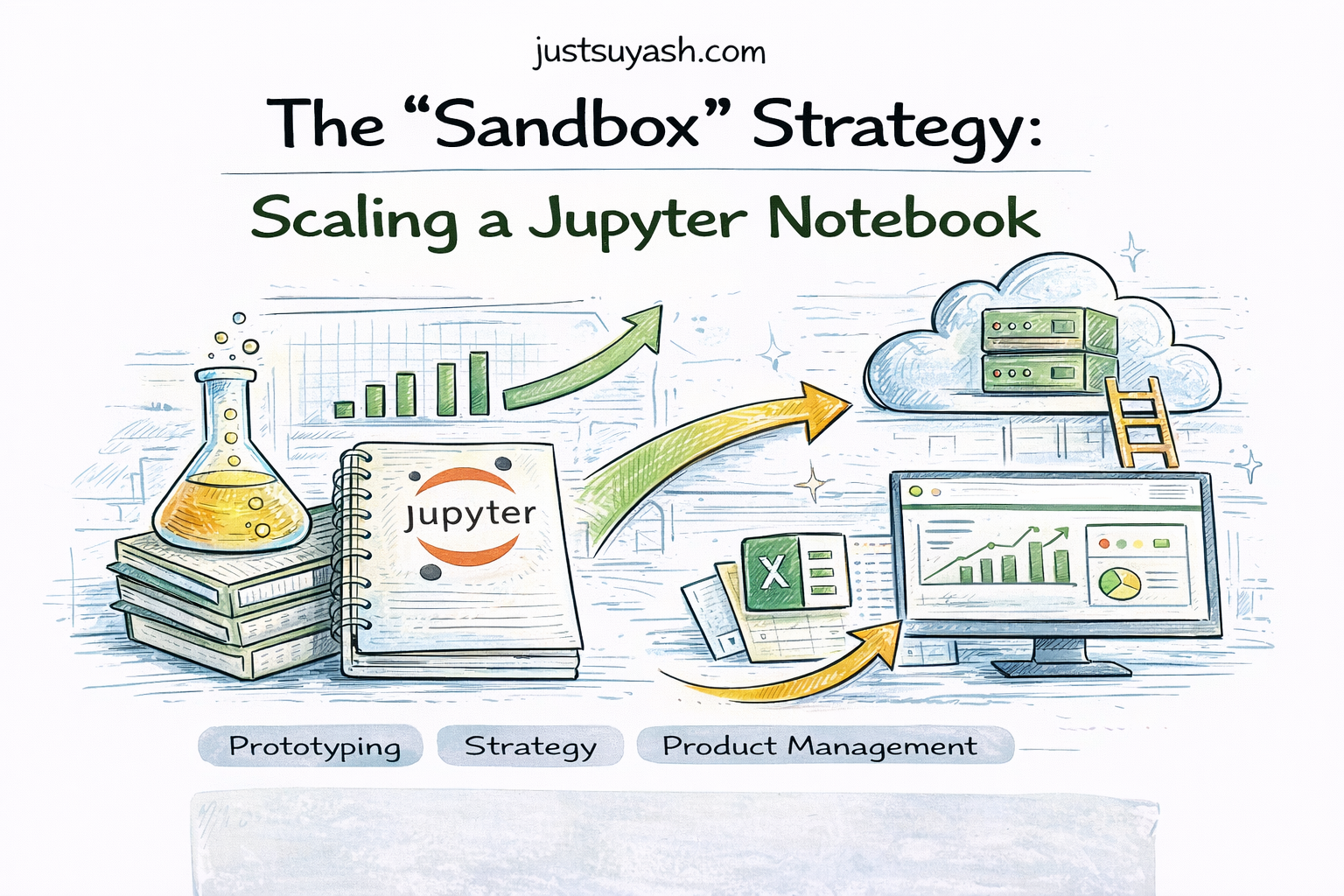
We didn't have time to wait for a full-stack engineering overhaul. So, I built a bridge. I turned a simple Jupyter Notebook into a scalable, automated experimentation engine.
Here is how I architected the "Hack," and why it became the blueprint for our eventual enterprise solution.
The Problem: The "Analyst Loop"
The standard workflow for Data Scientists is often unscalable:
- Open a notebook.
- Change a few variables (Dates, Variant IDs).
- Run all cells.
- Stare at the screen for 15 minutes.
- Copy-paste results into Excel.
- Repeat.
This is fine for ad-hoc analysis. It is fatal for production velocity.
The Solution: The "Notebook-as-App" Pattern
To break this loop without building a whole new software stack, I leveraged the existing Databricks/Jupyter environment but treated the notebook as a backend application, not a scratchpad.
1. The Interface: HTML & Widgets
I stopped asking stakeholders to "read code." Instead, I used displayHTML and dbutils.widgets to create a clean, app-like interface directly in the notebook.
Visual Feedback: Instead of raw error logs, I built HTML warnings (e.g., WARNING: Experiment ID does not exist ) that would trigger dynamically if inputs were invalid.
Config, Not Code: We abstracted the complexity behind dropdowns and text inputs.
2. The Engine: Batch Automation via Excel
Doing this for one experiment is easy. Doing it for dozens is hard. I realized we didn't need a UI for input; we needed a bulk loader.
The Config File: I built an Excel template where we could define the parameters for every running experiment (Test IDs, Start Dates, Metrics).
The "Cloner" Script: I wrote a driver script that read this Excel file. For every row (experiment) in the file, it spun up a copy of the master notebook, injected the specific parameters, and executed it in parallel.
3. Decoupled Storage
Previously, the "result" of a notebook was the notebook itself. If you closed the tab, you lost the view. I changed the architecture to write results immediately to a decoupled SQL table (db_work.POWER_OUTPUT_RESULTS). The notebook became a stateless compute engine. The results were persistent.
The Win: This allowed us to build dashboards (Tableau/Looker) on top of that results table. The stakeholders stopped opening notebooks entirely and just checked the dashboard.
The "Sandbox" Advantage
This approach did more than just save time—it became a de-risked testing ground for our future platform.
Because we were still in a notebook environment (Python/SQL), I had total flexibility. If I wanted to test a new statistical method—like CUPED for variance reduction or a Bayesian framework for faster decision-making—I didn't have to file a JIRA ticket with engineering. I just imported the library and updated the master notebook.
We successfully tested and validated these advanced statistical methods in the "Sandbox" first. By the time we were ready to build the official enterprise application, we weren't guessing at the requirements. We had a working prototype that had already processed millions of dollars in revenue attribution.
Key Takeaway
Scaling isn't always about moving away from notebooks; sometimes it's about making your notebooks smarter.
By treating my notebook as a scalable application—complete with UI, batch processing, and decoupled storage—I bought us the time and insights needed to build the real thing effectively. We proved the value before we wrote the spec.
From Sequential To Parallel: Scaling Experimentation Inference
About the author
Suyash
I build software that solves real problems — currently ClinicOS, a clinic management system I designed sitting in my brother's clinic, watching him work. When I'm not writing code, I'm behind a camera shooting landscapes, working a bag, swinging a steel mace, or on a yoga mat. The through-line across all of it: discipline, craft, and an obsession with doing things right.